


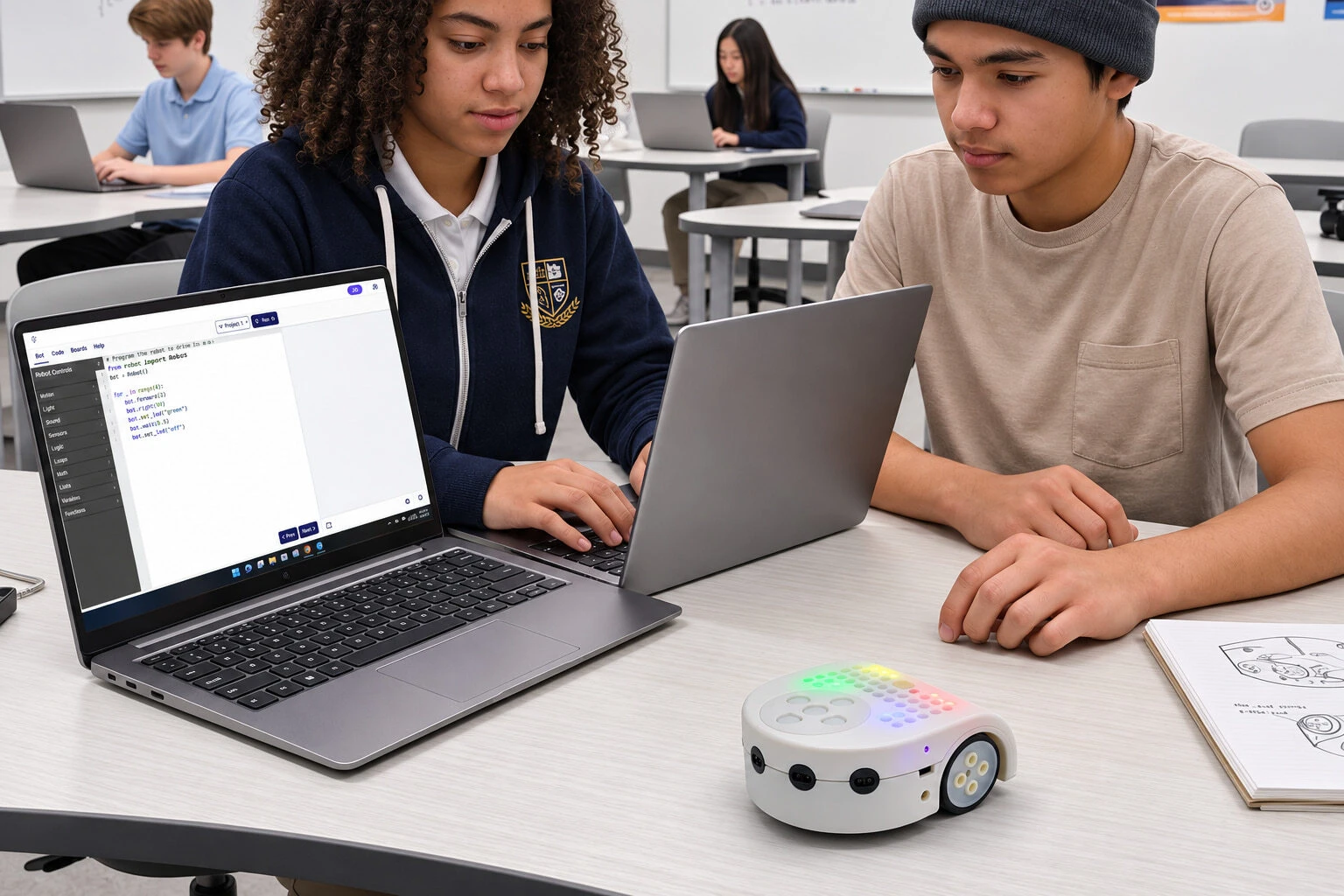



Thymio 3 Programmable Educational Robot for Classroom STEM Coding
CA$324.69
Write a Review
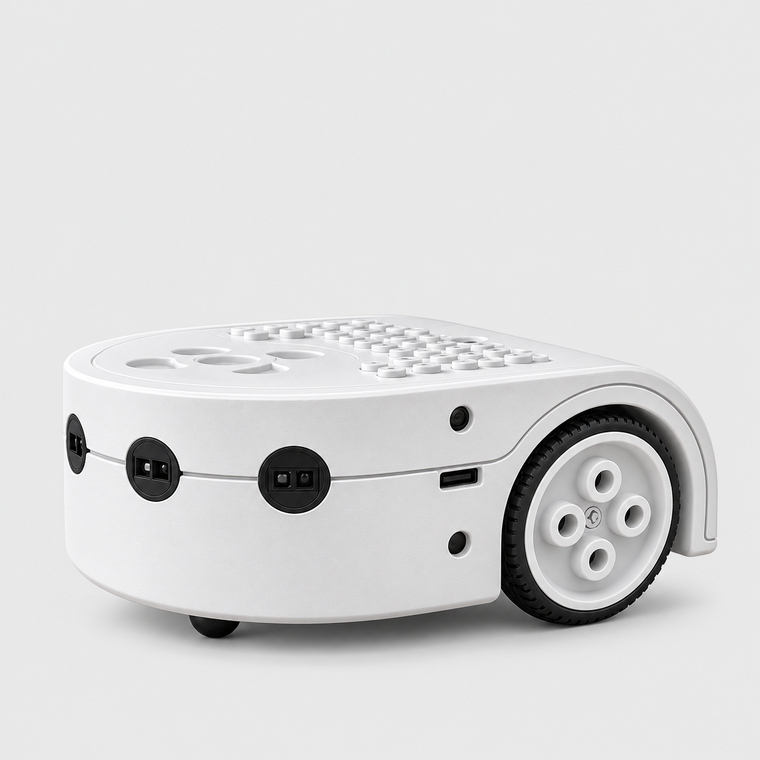
Thymio 3 Programmable Educational Robot for Classroom STEM Coding
|
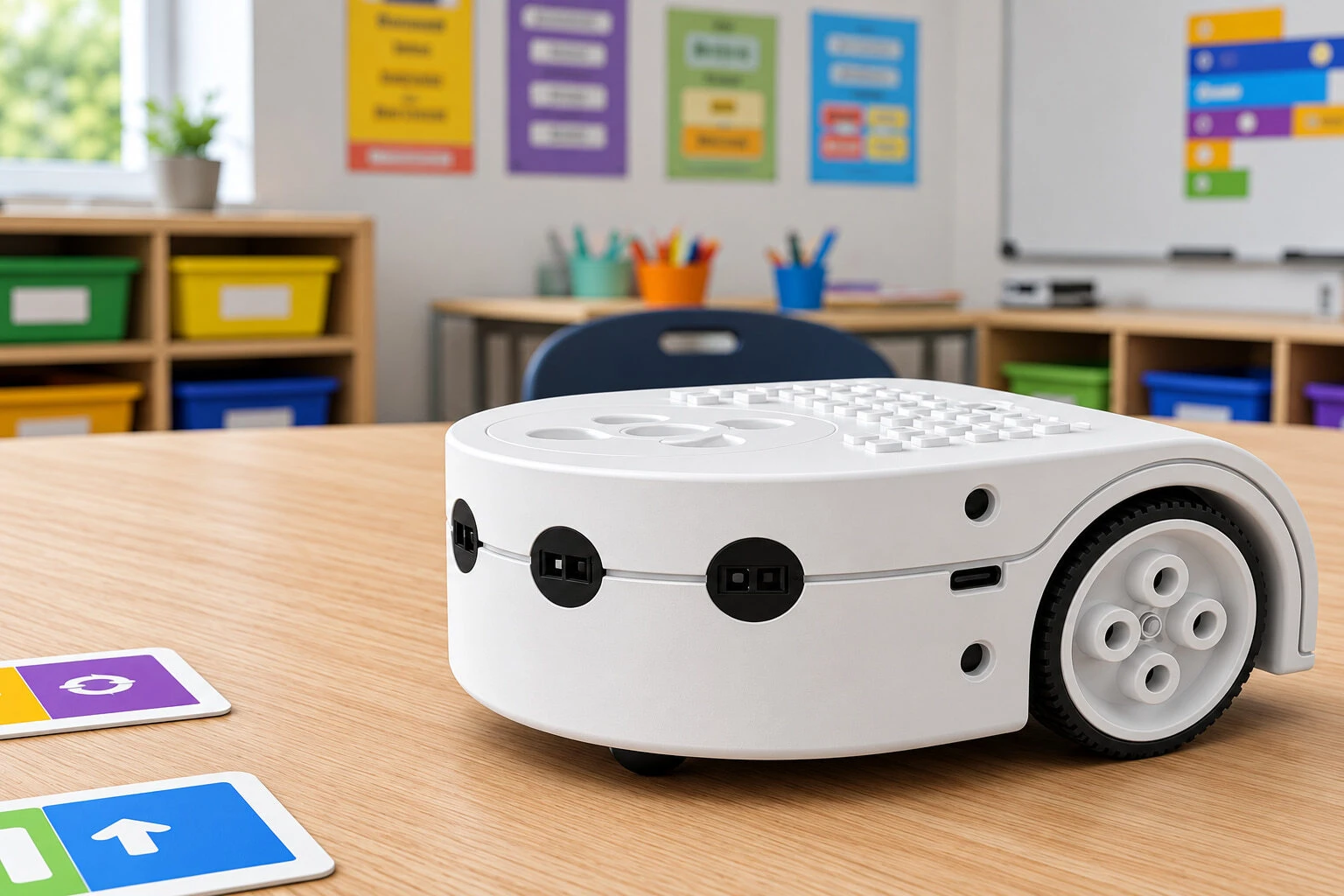
THE NEXT GENERATION HAS ARRIVED Meet Your Classroom's New Coding Companion.Hands-on STEM learning takes a leap forward. Thymio 3 is an intuitive educational robot built to turn curious students into confident, real-world creators — designed by EPFL researchers, open-source, and ready to play straight out of the box. Explore Configurations Discover 10 Modes |
 |
|
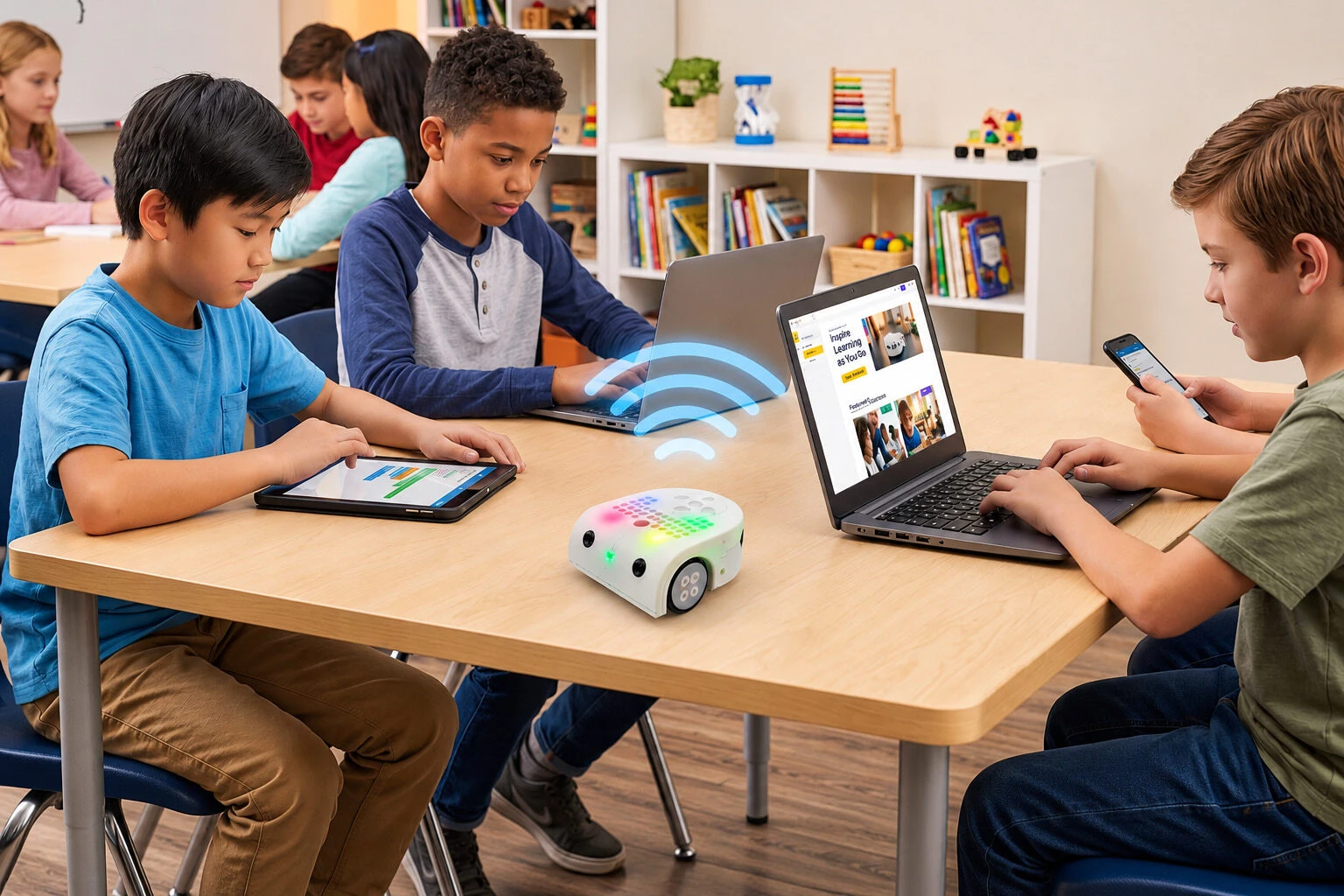
NO DONGLES REQUIRED Compatible with PCs, tablets and smartphones |
CONNECTIVITY Built-in Bluetooth |
NAVIGATION / CODING 3-axis gyro & accel · thymio.Lab |
01 / MAIN UPGRADES
Core Breakthroughs: Built for the Modern Classroom
While preserving the iconic white design that teachers love, Thymio 3 has been re-engineered for today's classrooms. Built-in connectivity, more precise motion, richer sound and responsive sensing make it easier for students to explore, create and learn together.
Bluetooth Freedom
Instant Connectivity
Built-in Bluetooth connects to compatible laptops, tablets and smartphones without a proprietary USB dongle.
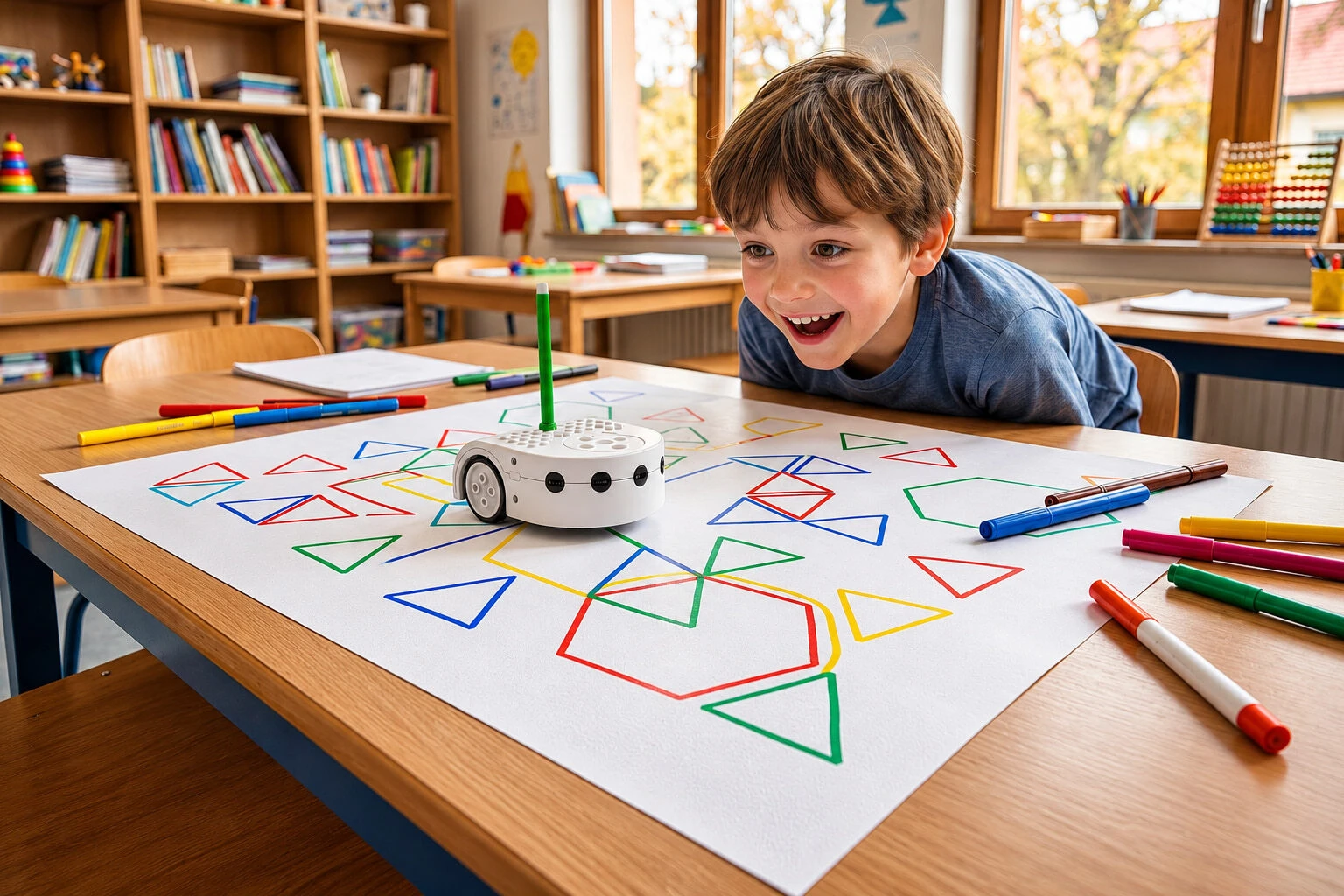
Precise Math & Geometry
Upgraded Motion
A 3-axis gyroscope and accelerometer support accurate turns, movement and hands-on geometric drawing.
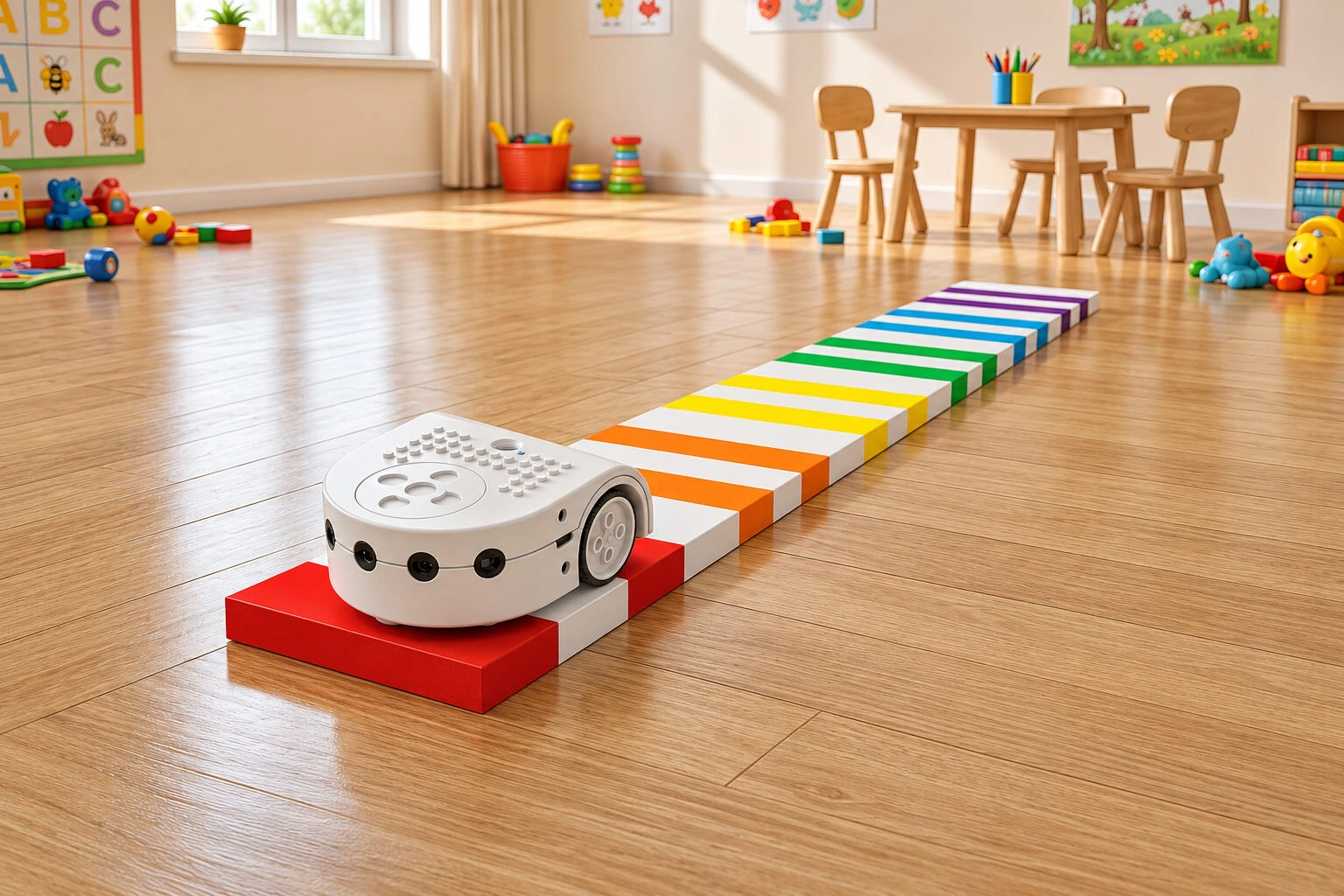
Creative Colour Play
Advanced Sensing
The ground-facing RGB colour sensor reads coloured tracks and visual cues for playful, interactive activities.
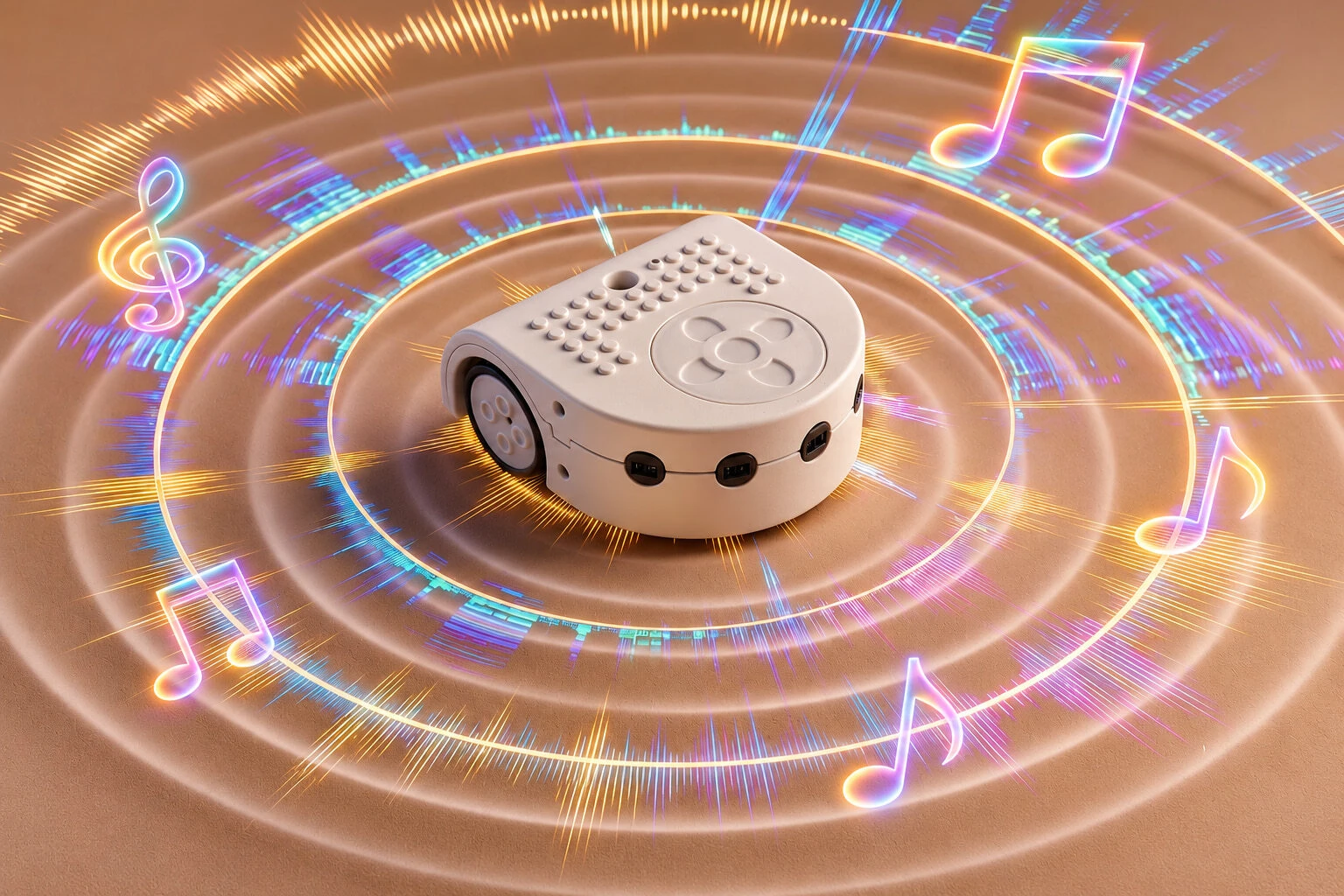
Enhanced Audio
Voice & Sound
An improved speaker supports sound playback and voice recording for creative audio-based learning.
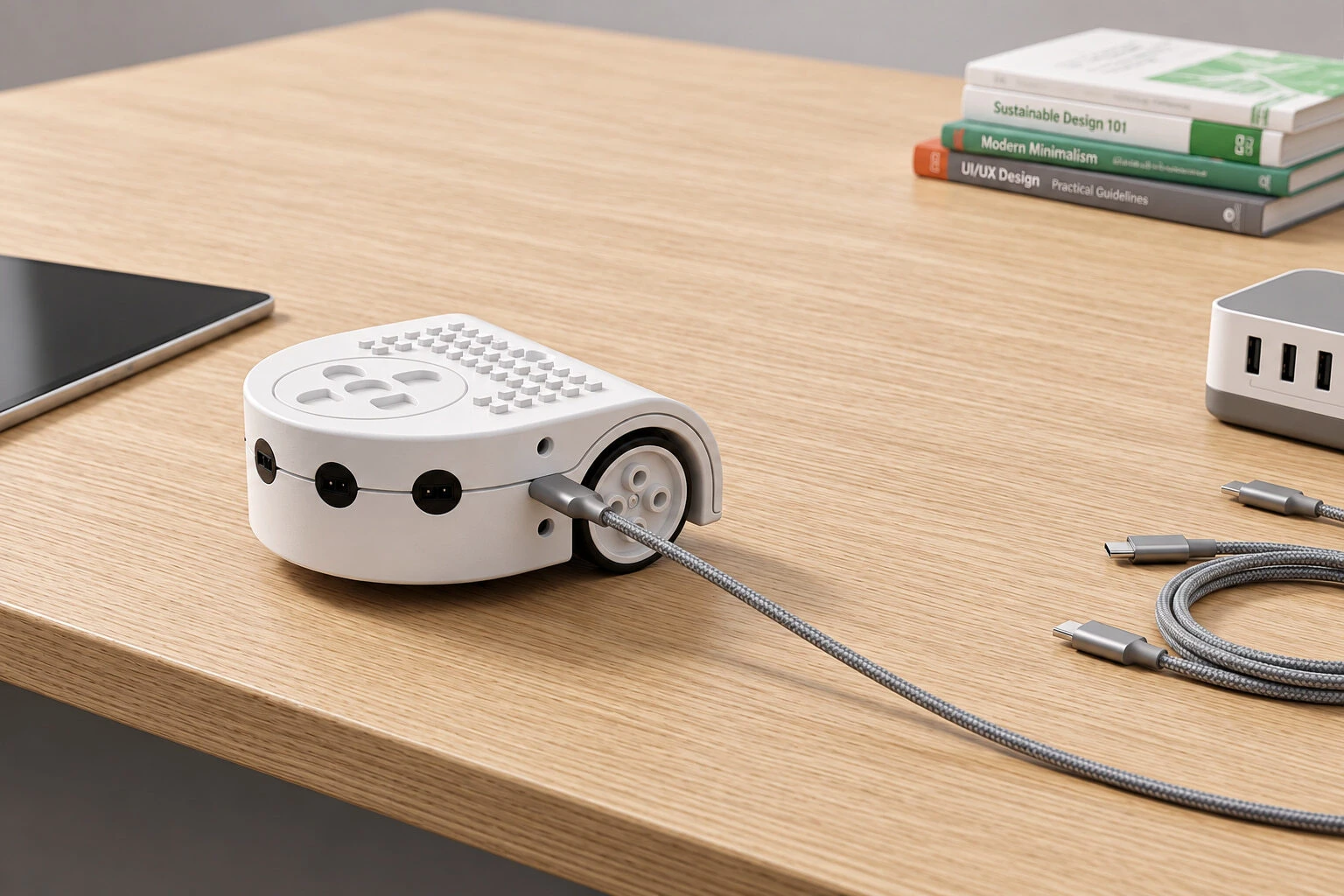
School-Ready Power
USB-C Charging
A modern USB-C charging port simplifies classroom charging and helps reduce cable-management issues.
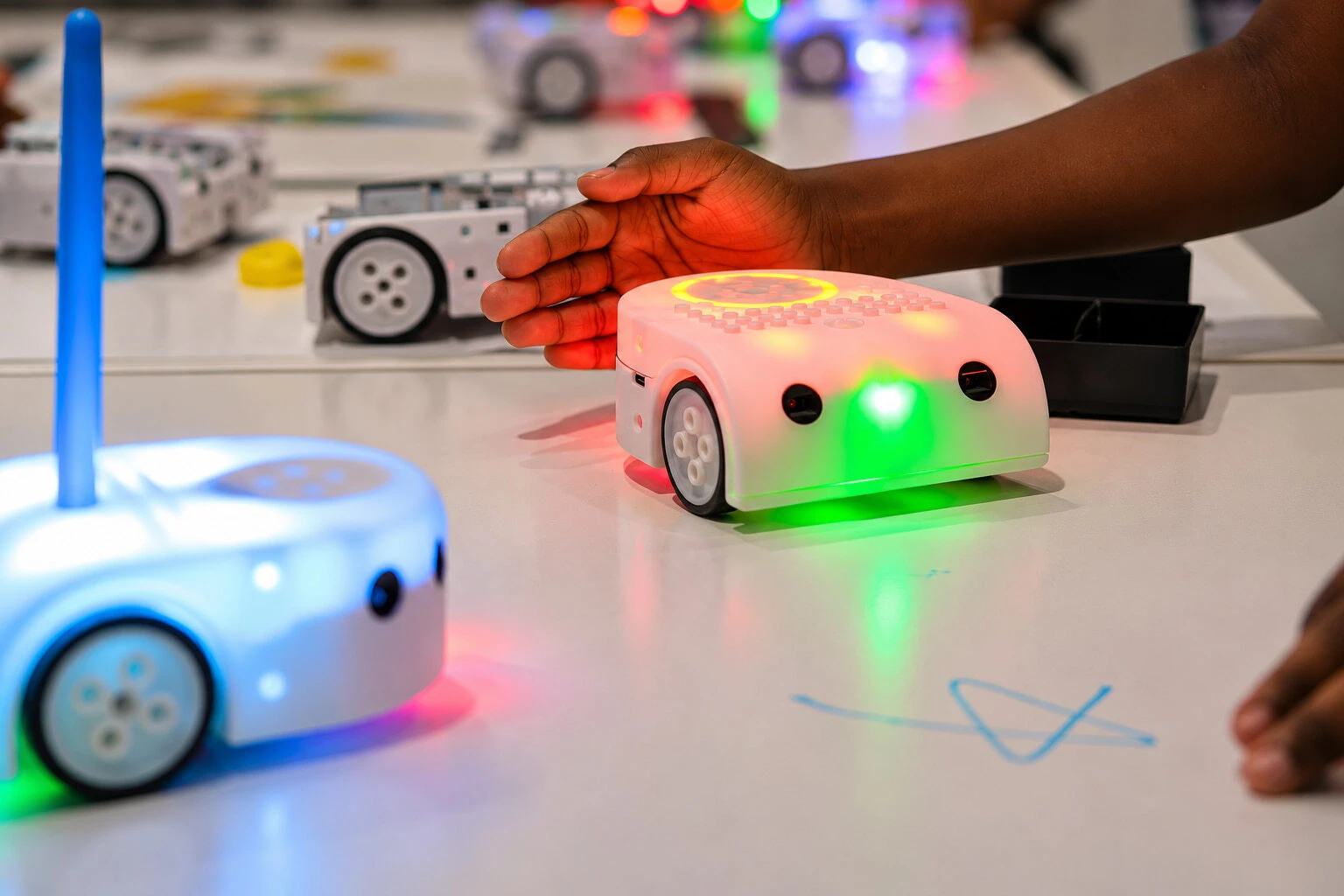
51 LEDs Display
Visual Expression
A 51-LED array provides expressive visual feedback for sensor responses, communication and creative animations.
CLASSROOM ADAPTATION
Hardware Evolution: Engineered for the Realities of Teaching
|
Scales Across All Grade Levels One fleet moves from primary visual logic to advanced secondary text-based labs. |
Adaptable Programming Languages Three languages match the software to each class, from blocks to MicroPython. |
|
Sustainable Footprint Interchangeable parts and an open architecture extend the fleet's productive life. |
Protecting Your School's Investment Swap a worn component instead of replacing a whole unit, and stay compatible with existing accessories. |
02 / ON-BOARD BEHAVIORS
Four New Pre-Programmed Modes: Unpack & Play Instantly
Thymio 3 combines six trusted classic behaviours with four new ways to explore movement, sound, machine learning and geometry. Press the centre button to get started — no coding required.
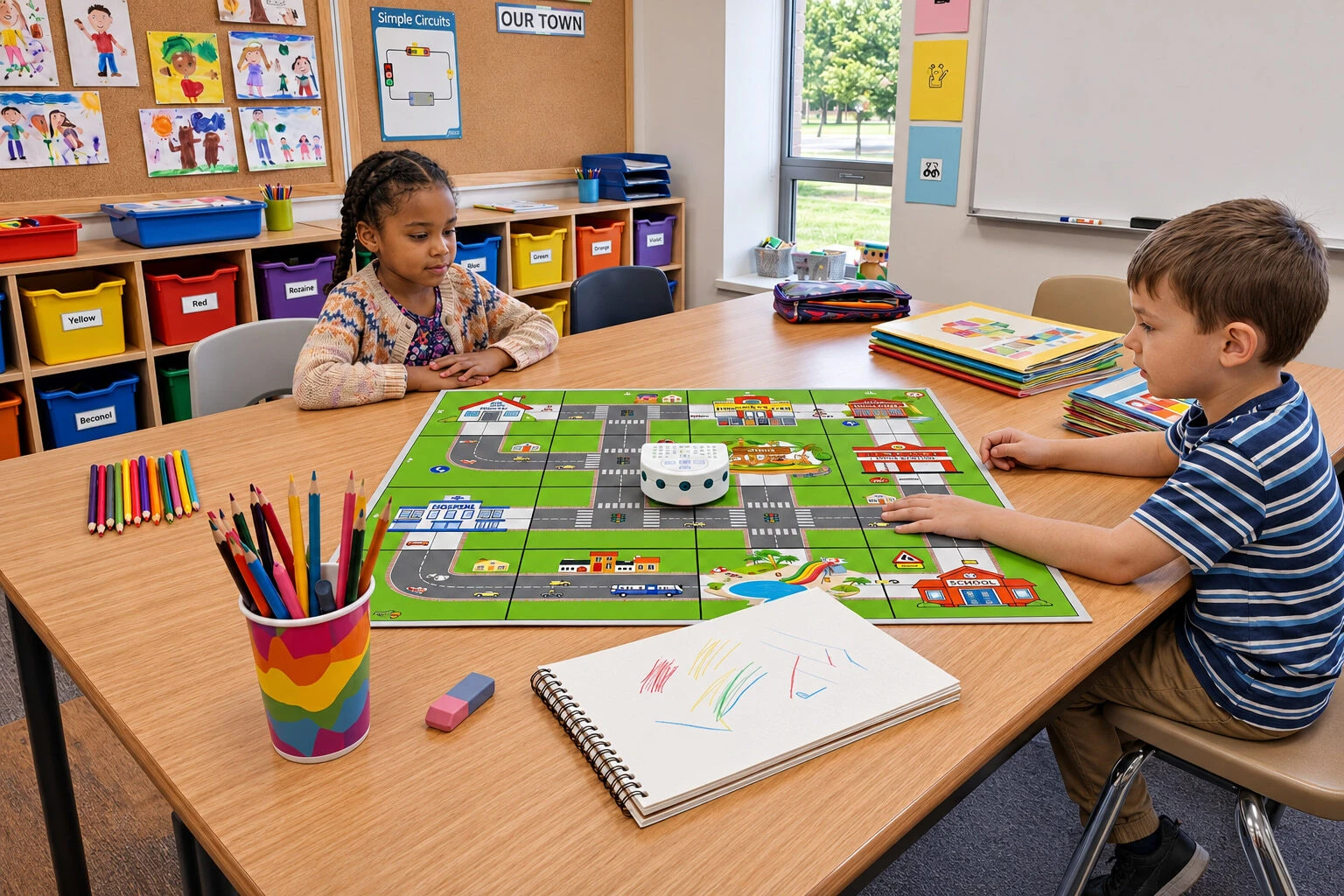
NEW BEHAVIOR · MAGENTA / LIGHT BLUE
The Automaton
Program a route with the arrow buttons, record up to 16 movement steps and replay a custom sequence.
LEARNING FOCUS
Sequences, loops and the foundations of autonomous routines.
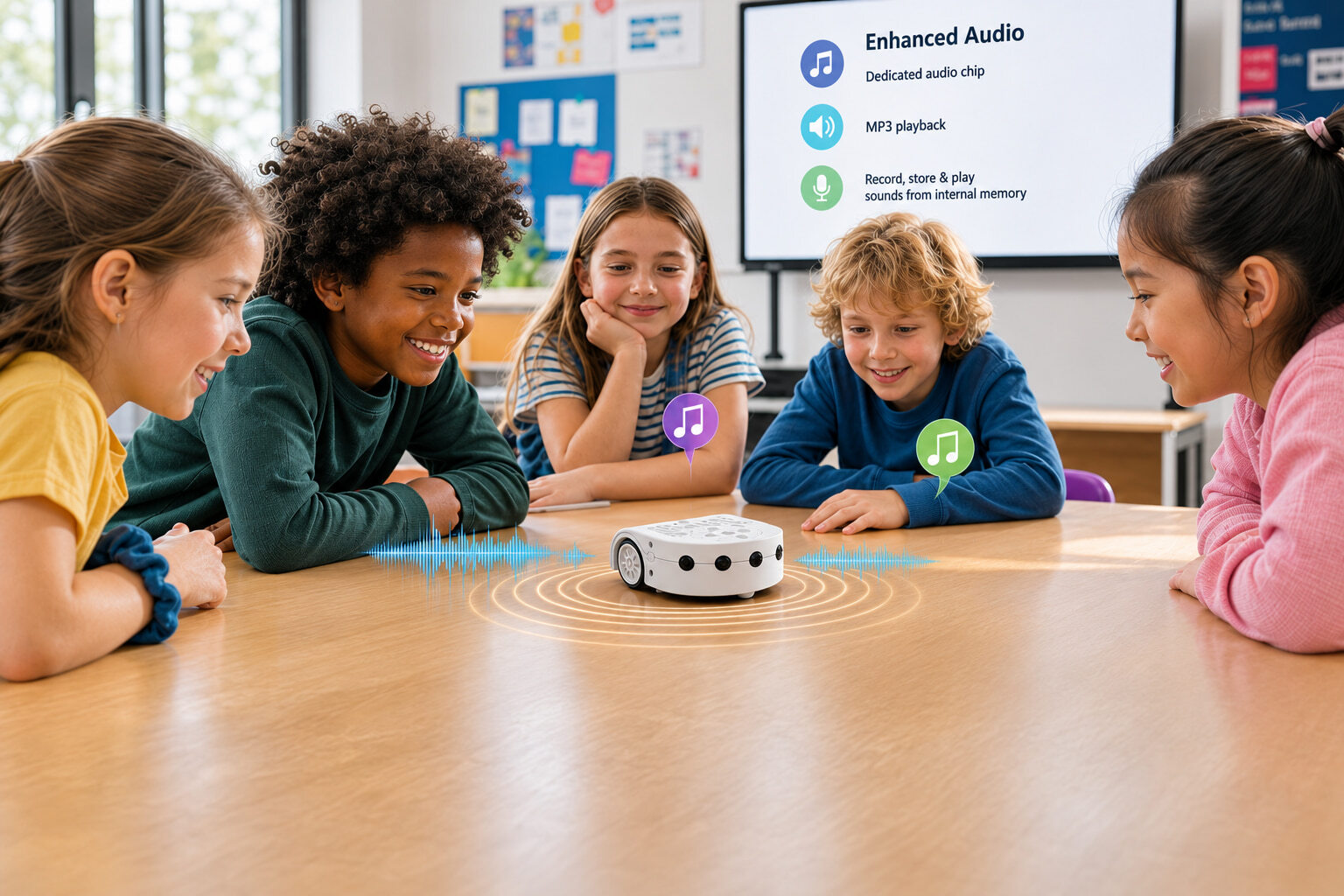
NEW BEHAVIOR · MULTI-COLOR
The Musician
Explore sound effects, record voices and create or recognise simple melodies with the robot's enhanced speaker.
LEARNING FOCUS
Sound patterns, listening skills and creative connections between colour and music.
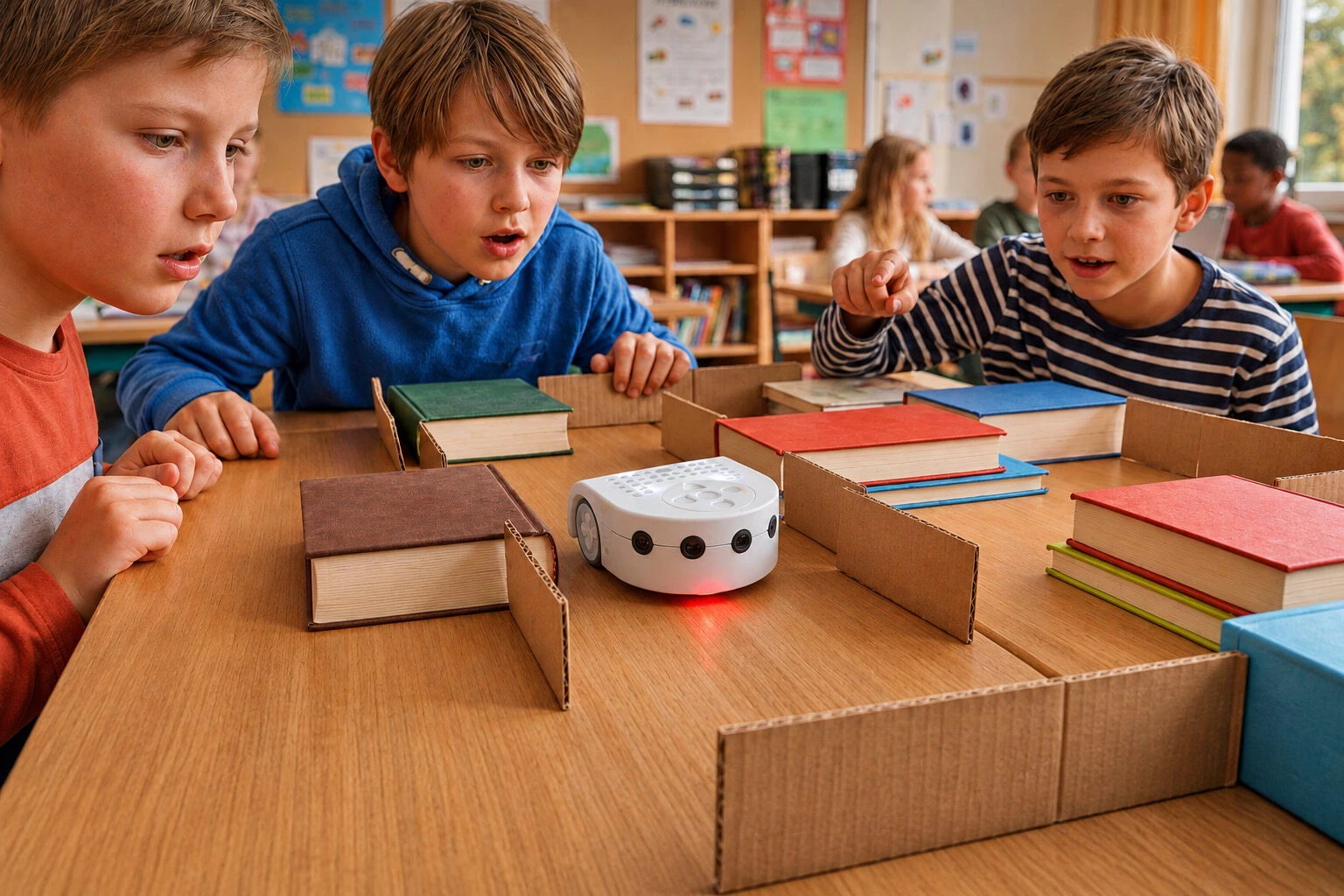
NEW BEHAVIOR · WHITE GLOW
The AI Learner
Introduce machine learning through examples as students train the robot and observe how it adapts its behaviour.
LEARNING FOCUS
Learning from examples, observation and the difference between adaptive behaviour and fixed rules.
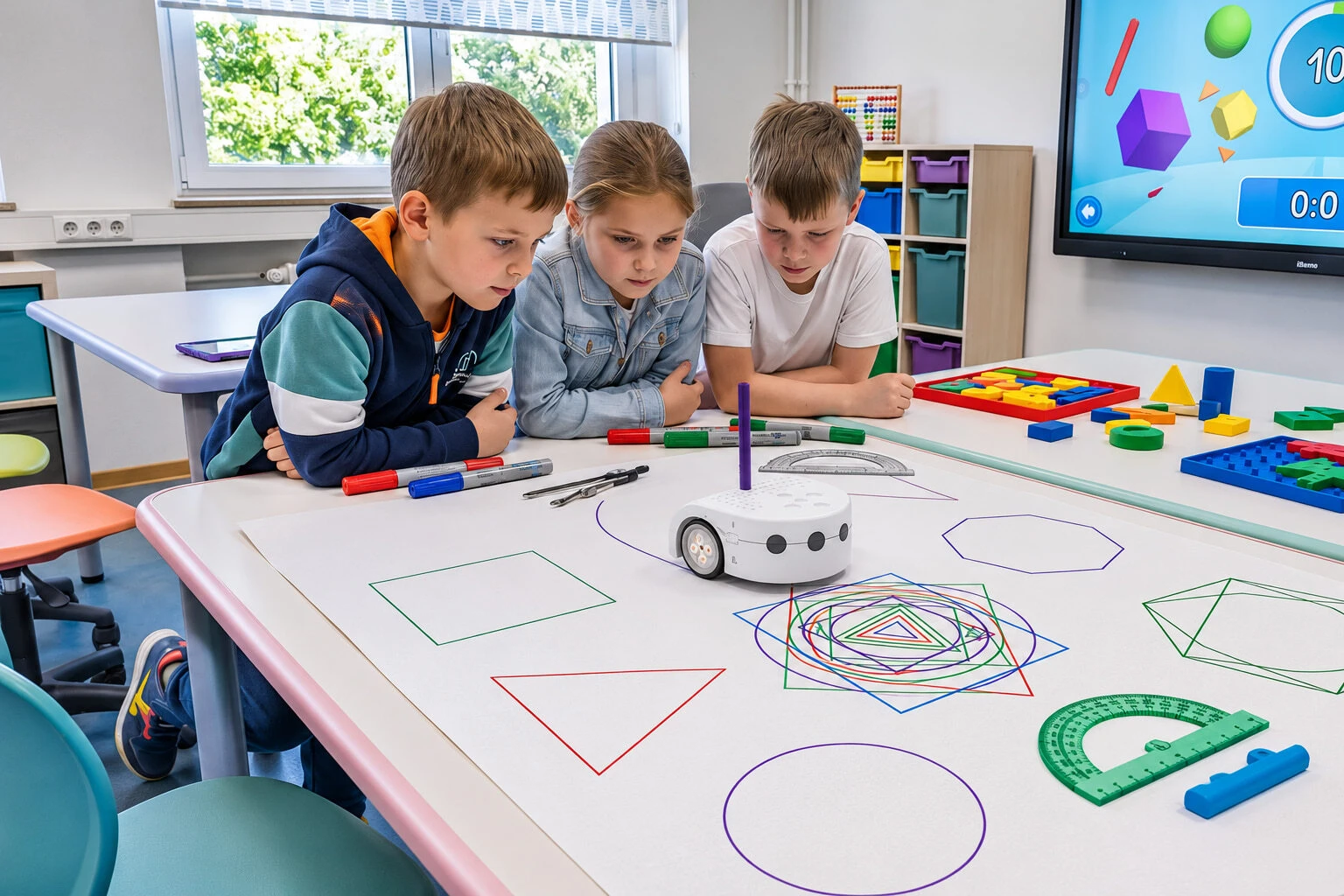
NEW BEHAVIOR · YELLOW / DARK BLUE
The Artist
Use the gyroscope to draw geometric figures, combine patterns and explore shapes through hands-on movement.
LEARNING FOCUS
Geometry, angles, spatial reasoning and the link between code and visible results.
Six Classic Trusted Behaviours
Choose a familiar personality and explore how Thymio responds to its surroundings.
| Friendly — Green | Fearful — Red | Explorer — Yellow |
| Investigator — Blue | Attentive — Light blue | Obedient — Purple |
|
03 / CODING ECOSYSTEM One Robot. Three Ways to Code. thymio.Labthymio.Lab is a zero-install, web-based platform that officially replaces the earlier Thymio Suite software. It brings existing fleets and new robots together through one interface for sensor visualisation and multi-language support. The same robot can take a learner from first visual blocks at age six to text-based coding in secondary school — with no new hardware, software installation or student accounts to manage. |
From visual programming to text-based coding on the same robot. |
vpl.LabAges 6–9 · Visual Pair event and action blocks to build computational logic, event triggers and cause-and-effect sequences — no typing required. |
scratch.LabIntermediate · Block-based Build richer interactions with familiar Scratch-style blocks, a natural bridge from visual events to structured programs. |
py.LabAdvanced · Native MicroPython Write real Python code in an online editor with auto-complete, on the very same robot. |
|
Collaborative Teamwork Save, share and access resources from one central platform. |
A True Learning Progression Grows from visual blocks to text code on identical hardware. |
Zero IT Maintenance Runs in the browser — no software rollout or user accounts to manage. |
04 / CONFIGURATIONS
Choose Your Configuration
Two setups to fit a single learner or a full classroom. Both are fully compatible with Thymio 2 accessories, mats and codebases.
Thymio 3PERFECT FOR SINGLE-ROBOT TESTBEDS & HOMESCHOOLING WHAT'S INCLUDED IN THE BOX Thymio 3+ USB-C cable+ User Manual+ Robotic mat |
Thymio 3 SuitcaseHIGHLY RECOMMENDED FOR FULL-CLASS DEPLOYMENTS & STEM SQUADS WHAT'S INCLUDED IN THE SUITCASE 6x Thymio 3+ 6x USB-C cable+ 6x User Manual+ 6x Robotic mat |
Teaching Resources Included
Beyond the robot, a complete resource library supports teachers from day one: a four-language user guide, a 22-page educational impact report, and eight teaching handbooks covering AI learning, automata and VPL Lab activities. Many titles include bilingual Chinese–English or Chinese–French editions, with glossaries and ready-to-use student and teacher books.
SPECIFICATIONS
Technical Specifications
| Parameters | Thymio 3 |
|---|---|
| Product type | Open-source educational robot |
| Dimensions | 107 x 120 x 56 mm |
| Weight | 270 g |
| Battery | 3.7 V / 1500 mAh Li-Po, USB-C charging |
| Runtime | 3–6 hours (terrain, speed and LED dependent) |
| Connectivity | Built-in Bluetooth, no dongle required |
| Maximum speed | 14 cm/s |
| Sensors | 7 horizontal IR, 2 ground IR, 1 ground RGB colour, gyroscope, accelerometer, microphone, IR receiver, 5 capacitive buttons |
| Actuators | 51 LEDs, 2 DC motors, 1 speaker |
| Programming | thymio.Lab: vpl.Lab, scratch.Lab, py.Lab (native MicroPython) |
| Languages | FR, EN, DE, IT |
| Compatibility | Backward-compatible with earlier accessories, mats and codebases |
| Box contents | Thymio 3 robot, USB-C cable (0.8 m), user guide, robotic mat |
Frequently Asked Questions
Does the robot need any software installation or account?
No. thymio.Lab runs entirely in the browser — nothing to install and no user account to create, keeping school IT maintenance to a minimum.
Can it be used without knowing how to code?
Yes. Ten built-in behaviours work straight out of the box with a single button press, and drag-and-drop visual programming lets beginners create their first program in minutes.
How many robots are recommended per class?
A ratio of roughly one robot per two to three active pupils is recommended, which suits both primary classrooms and advanced secondary labs.
Is it compatible with existing Thymio 2 materials?
Yes. Thymio 3 fits legacy Lego studs, line-following mats and six-robot charging suitcases, and supports existing block-based and text-based educational code.
How long does the battery last and how is it charged?
The 1500 mAh battery charges through USB-C and lasts roughly 3–6 hours depending on terrain, speed and LED use, covering a full school session.
Ready to Bring Thymio 3 to Your Classroom?
Tell us your class size, grade levels and destination market to discuss availability, training resources and volume orders.
Request Information View Configurations
About robotmallrobotmall is a global B2B robotics solutions platform connecting manufacturers, technology partners and businesses worldwide. We support solution evaluation, sourcing, deployment coordination and after-sales service through Robot.icu. |
- Application:
- Classroom STEM and coding education
- Recommended Age:
- 6 years and up
- Programming:
- vpl.Lab, scratch.Lab, py.Lab (MicroPython)
- Connectivity:
- Built-in Bluetooth, no dongle required
- Runtime:
- 3-6 hours per charge
- Box Contents:
- Robot, USB-C cable, user guide, robotic mat


